

How to use the LCD Pen Battery: screw on a 510 cart, 5-click on/off, 3-click voltage, 2-click preheat once, short draws, USB-C charge, and what the screen shows.
LCD Pen Battery | USER GUIDE
How to use
510 thread · LCD screen · 3 voltages · USB-C
Fits any 510 cart we sell:
- Terp Vault 0.6 ml and 1 ml zirconia carts
- Sunshine Bay Butter live rosin 1 ml carts
- Sunshine Bay Butter Co TerpFire resin 1 ml carts
Part of the Terp Vault vape range.
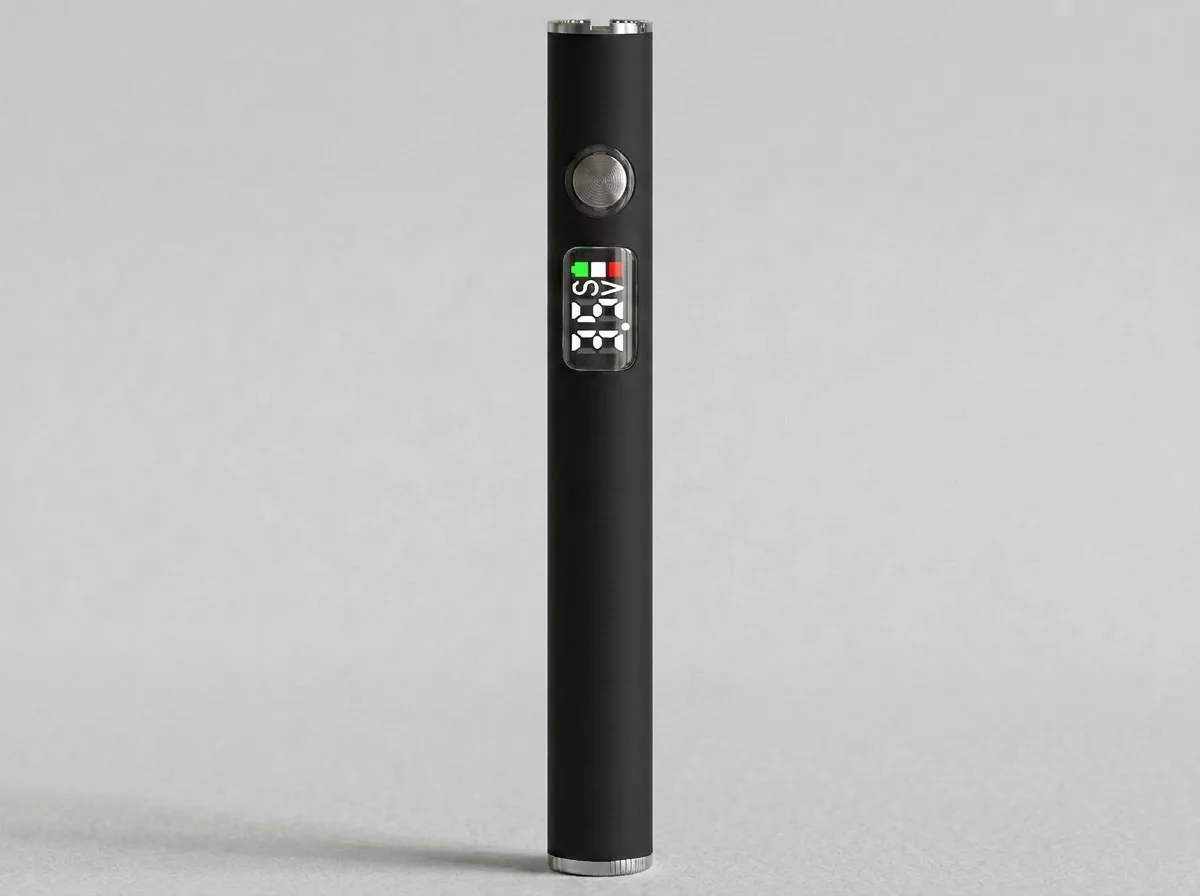
This is a battery, not a full vape.
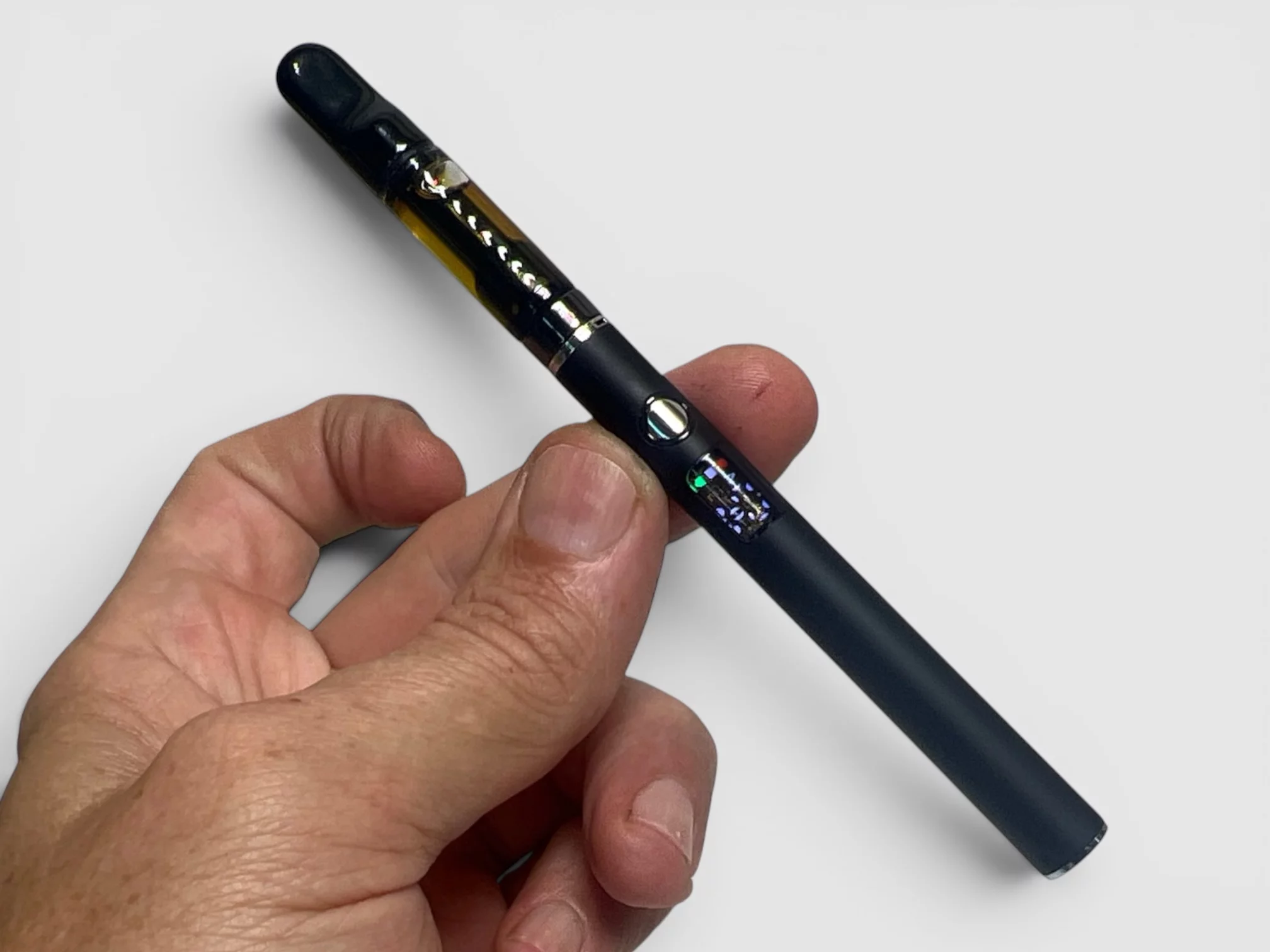
Screw a 510 cart on until it is snug — do not overtighten. Store the pen upright so oil stays in the cart, not in the mouthpiece.
Screw a 510 cart on until it is snug — do not overtighten. Store the pen upright so oil stays in the cart, not in the mouthpiece.
Before you start
- Charge before first use (USB-C on the bottom).
- Fit the cart straight onto the 510 thread. Finger-tight only.
- If the cart travelled or sat on its side, stand the pen upright for 30 minutes before the first pull.
- Keep the USB-C port clear of oil and pocket lint.
On / off
Click the button 5 times quickly. The screen wakes when it is on. If nothing happens when you fire, it is probably off — 5-click again.
Voltage (3 clicks)
2.5V — cooler, more flavour. Best start for live rosin and TerpFire resin
3.0V — everyday setting. Best start for Terp Vault distillate / zirconia carts
3.5V — warmer, bigger cloud — only if 3.0V feels weak
3.0V — everyday setting. Best start for Terp Vault distillate / zirconia carts
3.5V — warmer, bigger cloud — only if 3.0V feels weak
Click the button 3 times to step through the three levels. The screen shows the voltage you are on.
- Terp Vault distillate / zirconia — start at 3.0V.
- Live rosin and TerpFire resin — start at 2.5V or 3.0V. Stay off 3.5V unless the oil is cold.
Preheat (2 clicks)
Click the button 2 times. Preheat runs about 12 seconds at 1.8V. Use it once at the start of a session if the cart is cold or the draw is tight.
Do not preheat again and again.
Extra preheats overheat the oil, can flood the airway, and taste burnt. If the cart is already hitting, skip preheat.
Extra preheats overheat the oil, can flood the airway, and taste burnt. If the cart is already hitting, skip preheat.
How to hit
- One preheat only if needed.
- Hold the button and take a short, steady draw (about 3–5 seconds). Do not pull hard.
- Wait 20–30 seconds between hits so the coil can re-soak.
What the screen shows
- Voltage — 2.5 / 3.0 / 3.5 while the pen is on.
- Battery level — charge when it drops low. A flashing or empty reading means plug in USB-C.
- Preheat — short 1.8V warm-up, then it returns to your set voltage.
If you fire and the screen stays dark, 5-click to wake it. If it flashes and will not fire, charge it, or unscrew the cart and wipe the 510 contact.
Charge (USB-C)
- Port is on the bottom. Use a normal USB-C cable.
- A full charge on this 280 mAh pen covers a normal day’s use.
- Do not charge with a leaking cart fitted.
Care
- Store upright when you can, at room temperature — out of a hot car, a warm pocket all day, or a sunny windowsill.
- Take the cart off the battery when you are not using it.
- If the threads look shiny, wipe the cart base and the pen’s 510 pin with a dry cotton bud (or a bud barely damp with isopropyl). Oil on the contact is why a full cart “won’t fire.”
If the draw is tight or the cart won’t hit
- Confirm the pen is on (5 clicks) and charged.
- Stand it upright. Warm the cart in your hand.
- One preheat, then a few gentle pulls.
- Wipe the 510 contact.
- Try the cart on a second battery if you have one — that tells you if it is the cart or the pen.
Do not use a flame, stove, microwave, or boiling water on the cart.
Stand upright → 3.0V for distillate (2.5–3.0V for rosin) → short pulls → keep cool. Preheat once if it’s been cold.